Email::contact@vetrixtv.com Whatsapp:+212708830116

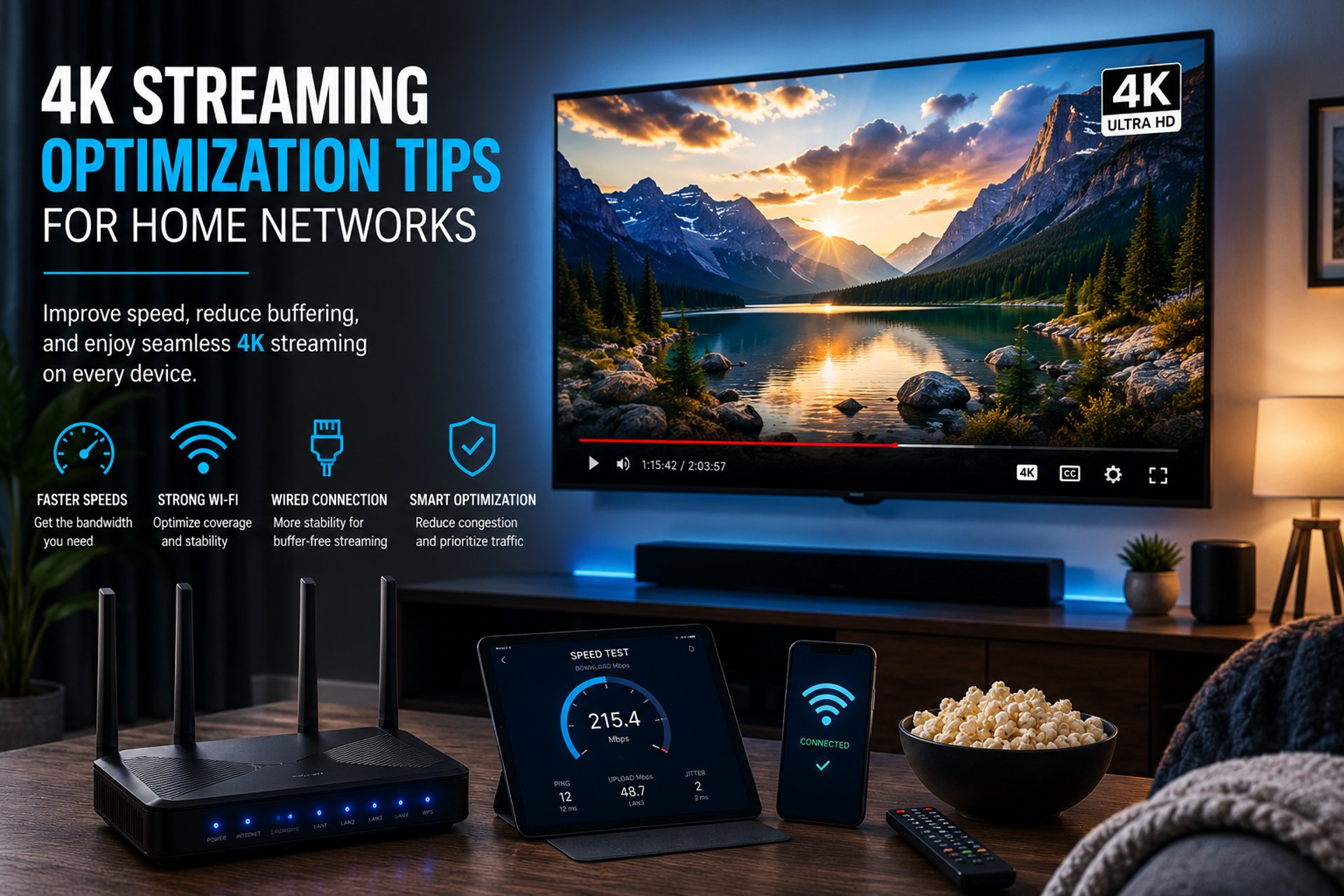
4K Streaming Optimization Tips for Home Networks
Discover the best ways to optimize your home network for smooth 4K streaming. Learn how to reduce buffering, improve connection stability, and enjoy ultra-high-definition entertainment with maximum performance.
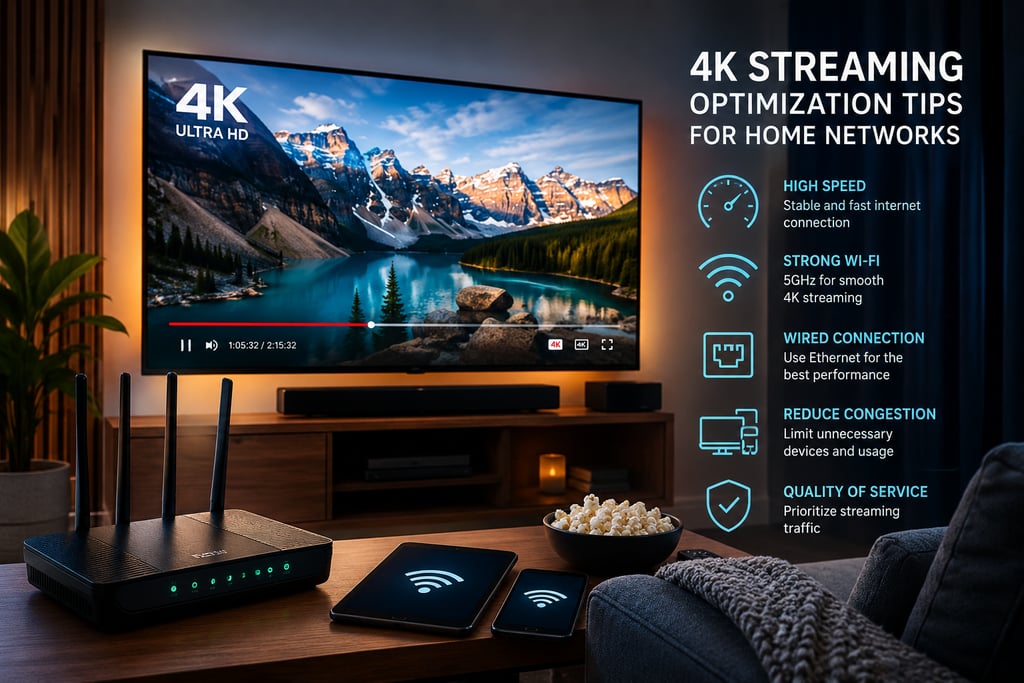

4K Streaming Optimization Tips for Home Networks
Streaming movies, sports, and TV shows in 4K has become the new standard for home entertainment. However, many users still experience buffering, lag, and poor video quality because their home network is not properly optimized. In this guide, you will discover the best 4K streaming optimization tips for home networks to achieve smooth, high-quality streaming without interruptions.
Why 4K Streaming Requires a Strong Home Network
Unlike standard HD content, 4K streaming uses significantly more bandwidth and requires a stable internet connection. Platforms such as Netflix, YouTube, Disney+, and IPTV services often recommend at least 25 Mbps per device for Ultra HD streaming.
If multiple devices are connected simultaneously, your network can quickly become overloaded, resulting in:
Buffering issues
Reduced video quality
Audio synchronization problems
High latency during live streaming
Optimizing your network ensures consistent performance and a better viewing experience.
Best 4K Streaming Optimization Tips for Home Networks
1. Upgrade Your Internet Speed
The first step toward better 4K streaming is ensuring your internet plan provides enough bandwidth.
Recommended Speeds:
25 Mbps for one 4K stream
50–100 Mbps for multiple devices
200+ Mbps for smart homes with heavy streaming usage
Run regular speed tests to verify your actual connection speed.
Pro Tip:
Fiber-optic internet offers the best stability and low latency for 4K streaming.
2. Use a Modern Dual-Band or Tri-Band Router
Older routers often struggle with modern streaming demands.
For optimal performance, choose:
Wi-Fi 6 routers
Dual-band or tri-band technology
MU-MIMO support
Gigabit Ethernet ports
These features improve device management and reduce congestion on your network.
Best Frequency Bands:
5 GHz → Faster speeds for 4K streaming
2.4 GHz → Better range but slower performance
Whenever possible, connect your streaming devices to the 5 GHz network.
3. Prefer Wired Ethernet Connections
A wired connection remains the most reliable option for uninterrupted 4K streaming.
Benefits of Ethernet:
Lower latency
Faster and more stable speeds
Reduced interference
No Wi-Fi signal drops
Devices such as Smart TVs, IPTV boxes, gaming consoles, and streaming devices perform significantly better with Ethernet.
4. Optimize Router Placement
Router placement directly affects signal quality.
Ideal Router Position:
Centrally located in the home
Elevated from the floor
Away from walls and metal objects
Far from microwaves and Bluetooth devices
Avoid placing the router inside cabinets or behind televisions.
5. Reduce Network Congestion
Too many connected devices can consume valuable bandwidth.
Common Bandwidth Consumers:
Online gaming
Cloud backups
Video calls
Large downloads
Smart home devices
Disconnect unused devices and schedule large downloads outside streaming hours.
6. Enable Quality of Service (QoS)
Most modern routers include a feature called Quality of Service (QoS).
QoS prioritizes streaming traffic over less important activities.
Benefits of QoS:
Smoother IPTV performance
Reduced buffering
Stable video quality during peak usage
You can configure QoS settings directly from your router dashboard.
7. Keep Firmware Updated
Router manufacturers frequently release firmware updates to improve:
Security
Stability
Performance
Device compatibility
Regular updates can significantly improve streaming reliability.
8. Use Mesh Wi-Fi for Large Homes
In large homes, standard routers may leave dead zones where the signal becomes weak.
A Mesh Wi-Fi system extends coverage across the entire house using multiple access points.
Advantages:
Better signal strength
Seamless roaming
Improved 4K streaming upstairs or far from the router
Mesh systems are ideal for smart homes and multi-room streaming setups.
9. Optimize IPTV Streaming Performance
For IPTV users, network stability is critical.
IPTV Optimization Tips:
Choose high-quality IPTV apps
Restart your router regularly
Use reliable DNS settings
Avoid overloaded servers
A stable connection improves channel loading times and prevents freezing.
10. Monitor Your Network Performance
Use network monitoring tools to identify:
Weak Wi-Fi zones
Bandwidth spikes
Latency issues
Device overload
Popular tools include:
Speedtest
Fing
NetSpot
WiFi Analyzer
Regular monitoring helps maintain consistent 4K streaming quality.
Common Causes of 4K Streaming Buffering
Even with fast internet, buffering can still occur due to:
Weak Wi-Fi signals
ISP congestion
Outdated hardware
VPN overhead
Too many active devices
Identifying the root cause is essential for long-term optimization.
Final Thoughts
Optimizing your home network for 4K streaming does not always require expensive upgrades. Simple improvements like using Ethernet, upgrading your router, enabling QoS, and reducing congestion can dramatically improve streaming quality.
By following these 4K streaming optimization tips for home networks, you can enjoy smooth Ultra HD entertainment with fewer interruptions, faster loading times, and a better overall viewing experience.
Whether you stream movies, IPTV, sports, or gaming content, a well-optimized network is the foundation of reliable 4K performance.
VetrixTV
Cinematic fidelity. Zero-latency routing.
Quick links
Copyright(C) 2026 VetrixTV-Zero-latency routing for premium home theaters.
UNCOMPRESSED 4K BROADCASTING