Email::contact@vetrixtv.com Whatsapp:+212708830116

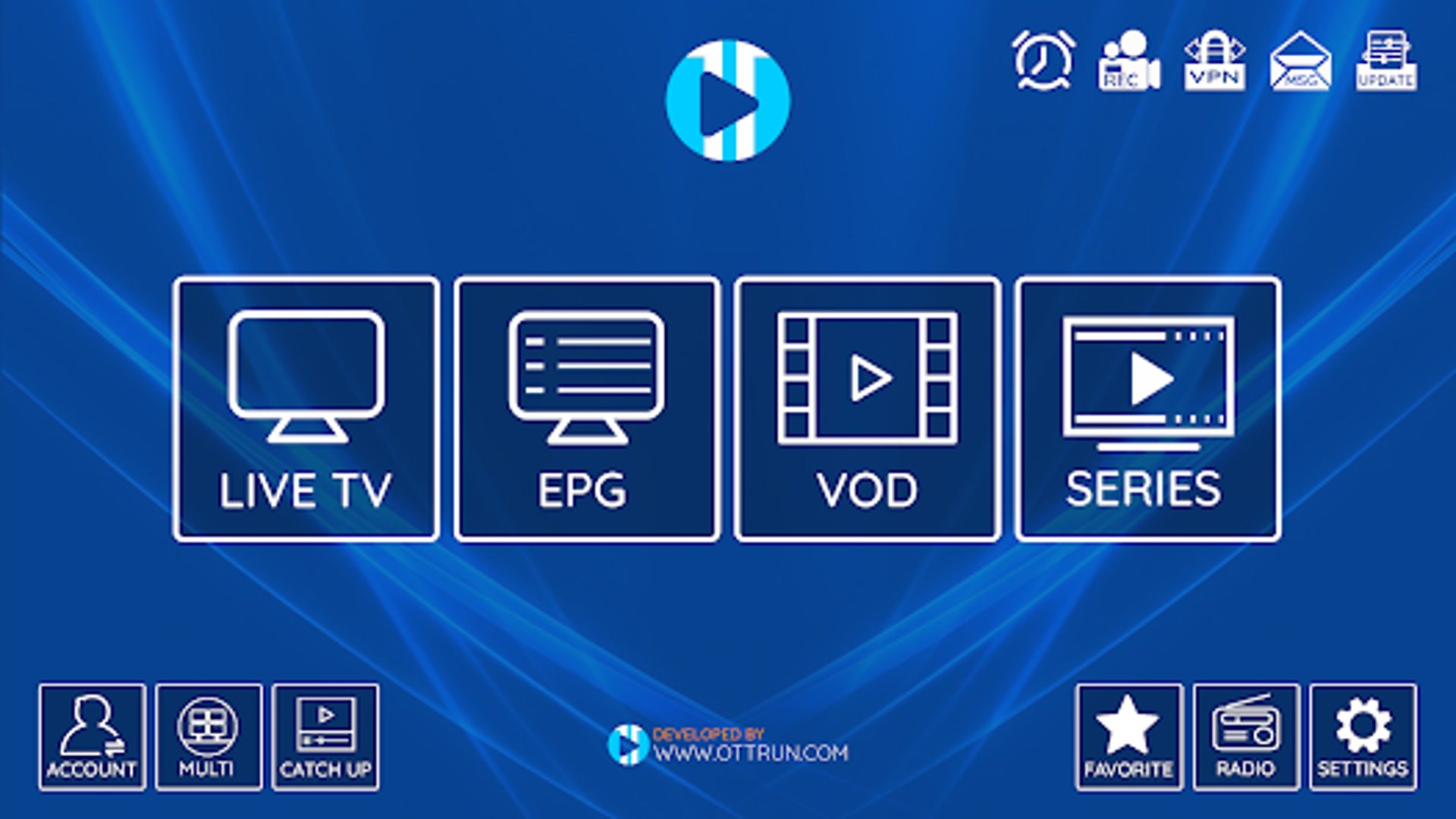
How to Set Up XCIPTV, IPTV Smarters Pro & Tivimate with Vetrixtv for Smooth 4K Streaming
Learn how to install and configure XCIPTV, IPTV Smarters Pro, and Tivimate with Vetrixtv — the premium IPTV solution for fast, stable, and buffer-free streaming. Enjoy live TV, sports, movies, and 4K entertainment on all your favorite devices.


How to Set Up XCIPTV, IPTV Smarters Pro & Tivimate with Vetrixtv – The Best IPTV Streaming Solution
Streaming IPTV has never been easier thanks to powerful applications like XCIPTV, IPTV Smarters Pro, and Tivimate IPTV Player. These apps allow users to access live TV channels, sports, movies, and series with a smooth and modern streaming experience.
However, the quality of your IPTV experience depends heavily on the IPTV provider you choose. That is why many users trust Vetrixtv, one of the best IPTV solutions for stable HD & 4K streaming, fast channel loading, and premium entertainment.
In this complete guide, you will learn how to install and configure XCIPTV, IPTV Smarters Pro, and Tivimate using your Vetrixtv subscription.
Why Vetrixtv Is the Best IPTV Solution
A good IPTV app is important, but a premium IPTV provider makes the biggest difference.
Why Users Prefer Vetrixtv
Ultra-Stable Servers
Vetrixtv uses optimized servers designed for:
Live TV
Sports streaming
Movies & series
HD, FHD & 4K channels
This ensures smoother playback with minimal buffering.
Massive Entertainment Library
Enjoy access to:
International channels
Premium sports networks
Movies and TV shows
Kids channels
News and entertainment content
All from one premium IPTV subscription.
Fast Channel Switching
Vetrixtv offers:
Quick channel loading
Smooth navigation
Better live streaming performance
Perfect for sports fans and live TV viewers.
Multi-Device Compatibility
Vetrixtv works seamlessly on:
XCIPTV
IPTV Smarters Pro
Tivimate IPTV Player
Firestick
Smart TVs
Android TV
Apple TV
Windows PC
Using XCIPTV with Vetrixtv
XCIPTV is one of the best IPTV players for Android and Firestick users thanks to its modern interface and smooth playback.
Step 1 – Download XCIPTV
Open the:
Google Play Store
Search for:
XCIPTV
Download and install the application.
Step 2 – Open the App
Launch XCIPTV after installation.
Step 3 – Choose Xtream Codes API
Select:
Xtream Codes API
Step 4 – Enter Vetrixtv Credentials
Use the login details sent by Vetrixtv after your subscription activation:
Username
Password
API URL
Then click:
Login
Step 5 – Enjoy Streaming
Your channels, movies, and series will load automatically.
With Vetrixtv, XCIPTV delivers:
Smooth streaming
Stable sports channels
Fast playback
HD & 4K quality
Using IPTV Smarters Pro with Vetrixtv
IPTV Smarters Pro is one of the most popular IPTV applications available for Firestick and Android devices.
How to Install IPTV Smarters Pro on FireStick
Step 1 – Install Downloader App
Search for:
Downloader
from the FireStick App Store and install it.
Step 2 – Enable Unknown Apps
Go to:
Settings → My Fire TV → Developer Options
Enable:
Install from Unknown Apps
Turn ON:
Downloader
Step 3 – Download IPTV Smarters Pro
Open Downloader and enter:
https://www.iptvsmarters.com/smarters.apk
Click:
GO
Wait for the APK file to download.
Step 4 – Install IPTV Smarters Pro
After the download finishes:
Click Install
Wait for installation to complete
Open the app
Step 5 – Login Using Vetrixtv Xtream Codes
Choose:
Login with Xtream Codes API
Enter the credentials sent by Vetrixtv:
Username
Password
Server URL
Click:
Add User
Your IPTV channels and VOD content will appear automatically.
Why IPTV Smarters Pro Works Best with Vetrixtv
The combination of IPTV Smarters Pro and Vetrixtv provides:
Fast channel loading
Better EPG organization
Stable 4K streaming
Minimal buffering
Premium live sports experience
This setup is ideal for modern IPTV streaming.
Using Tivimate IPTV Player with Vetrixtv
Tivimate is one of the most advanced IPTV players for Android TV users.
Step 1 – Download Tivimate
Open:
Google Play Store
Search for:
Tivimate IPTV Player
Download and install the app.
Step 2 – Open Tivimate
Launch the application.
Step 3 – Add Playlist
Click:
Add Playlist
Step 4 – Enter Vetrixtv Playlist URL
Paste the IPTV subscription URL provided by Vetrixtv into:
Playlist URL Section
Click:
Next / Okay
Wait for the channels to load.
Why Tivimate Is Perfect with Vetrixtv
Using Tivimate with Vetrixtv provides:
Smooth navigation
Fast zapping
Beautiful interface
Stable live TV playback
Excellent sports streaming quality
Perfect for Android TV and premium IPTV users.
Tips for Better IPTV Streaming Performance
Use High-Speed Internet
Recommended speeds:
HD Streaming: 10 Mbps minimum
4K Streaming: 25 Mbps+
Prefer Ethernet Connection
Ethernet offers:
Better stability
Lower latency
Faster streaming
Especially useful for live sports and 4K IPTV.
Keep Apps Updated
Updates improve:
Security
Compatibility
Streaming performance
Choose Reliable IPTV Services
Low-quality IPTV providers often cause:
Freezing
Lag
Channel downtime
Poor video quality
Vetrixtv is optimized for smooth and reliable IPTV streaming across all devices.
Best Devices for Vetrixtv Streaming
For the best experience, Vetrixtv works perfectly on:
Firestick 4K
Android TV
Apple TV
Smart TVs
NVIDIA Shield
MAG Boxes
These devices provide excellent IPTV performance and better playback quality.
Final Thoughts
XCIPTV, IPTV Smarters Pro, and Tivimate are among the best IPTV players available today. They provide excellent compatibility, powerful streaming features, and modern interfaces for IPTV users.
However, the true quality of your streaming experience depends on the IPTV provider behind the application.
By combining these apps with Vetrixtv, users can enjoy:
Smooth HD & 4K streaming
Stable live TV channels
Premium sports content
Fast loading times
Minimal buffering
For users looking for a powerful, reliable, and premium IPTV experience, Vetrixtv remains one of the best IPTV streaming solutions available today.
VetrixTV
Cinematic fidelity. Zero-latency routing.
Quick links
Copyright(C) 2026 VetrixTV-Zero-latency routing for premium home theaters.
UNCOMPRESSED 4K BROADCASTING