Email::contact@vetrixtv.com Whatsapp:+212708830116

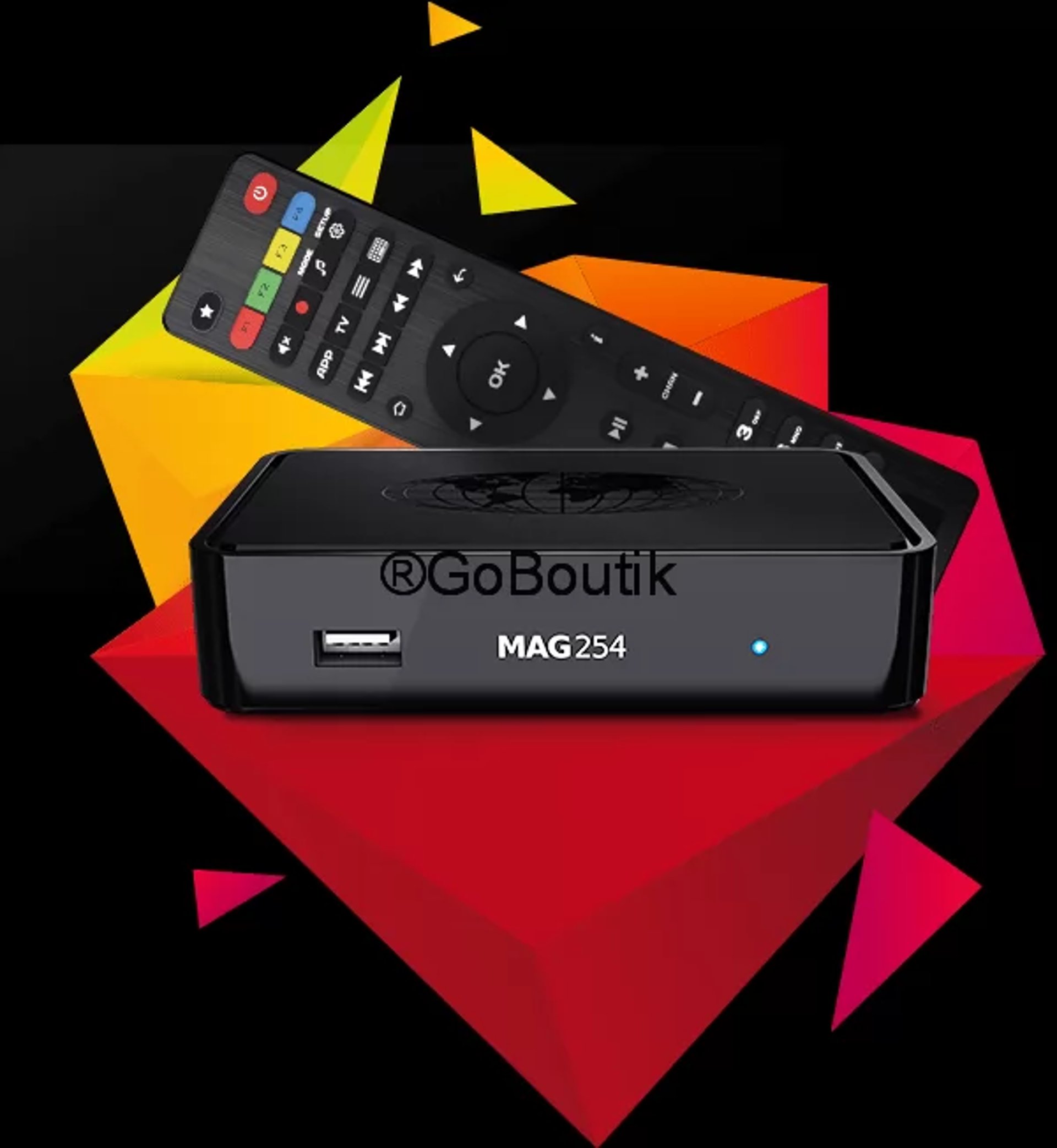
How to Set Up MAG Device with Vetrixtv for Smooth IPTV Streaming
Learn how to configure your MAG device easily with Vetrixtv and enjoy fast, stable, and buffer-free IPTV streaming. Follow this quick setup guide to access live TV channels, sports, movies, and premium HD & 4K entertainment.

How to Set Up Your MAG Device with Vetrixtv for Smooth IPTV Streaming
MAG devices are among the most reliable streaming boxes for IPTV services thanks to their stable performance, fast channel loading, and user-friendly interface. When combined with Vetrixtv, users can enjoy premium live TV, sports, movies, and HD & 4K entertainment with minimal buffering.
In this guide, you will learn how to configure your MAG device quickly and easily using your Vetrixtv portal URL.
Why Choose Vetrixtv for MAG Devices?
Using a high-quality IPTV provider is essential for smooth streaming performance. Vetrixtv is optimized for MAG devices and offers a premium IPTV experience with stable servers and fast playback.
Benefits of Vetrixtv
Stable IPTV Servers
Enjoy smooth and reliable streaming with minimal interruptions.
HD, FHD & 4K Streaming
Access high-quality live TV channels, sports, and movies.
Fast Channel Switching
Experience quick channel loading and better navigation.
Premium Entertainment
Watch:
International live TV
Sports channels
Movies & series
Kids and entertainment content
Optimized for MAG Devices
Vetrixtv works perfectly on:
MAG 250
MAG 322
MAG 524
MAG 540
And other MAG boxes
How to Connect Your MAG Device to Vetrixtv
Before starting the setup process, make sure your MAG device is connected to the internet.
Step 1 – Open Settings
From the MAG device home screen:
Navigate to Settings
Open System Settings
Select Servers
Click on Portals
This section allows you to configure your IPTV portal.
Step 2 – Configure Portal 1
In the:
Portal 1 Name
Enter:
Vetrixtv
Then, inside:
Portal 1 URL
Paste the IPTV portal URL sent to you by email after activating your Vetrixtv subscription.
Step 3 – Leave Portal 2 Empty
To avoid configuration conflicts:
Leave Portal 2 Name empty
Leave Portal 2 URL empty
This ensures a cleaner and more stable IPTV setup.
Step 4 – Save Your Settings
After entering the portal information:
Click Save
Exit the settings menu
Your MAG device will store the IPTV configuration automatically.
Step 5 – Restart Your MAG Device
Restart the device to apply the new settings.
Once the reboot is complete, your IPTV channels should load automatically.
You can now enjoy:
Live TV
Sports streaming
Movies and series
HD & 4K channels
with smooth playback powered by Vetrixtv.
Why MAG Devices Are Great for IPTV
MAG boxes are popular among IPTV users because they provide:
Fast navigation
Stable playback
Simple setup
Reliable performance
They are especially effective for live sports and HD streaming.
Tips for Better IPTV Performance on MAG Devices
Use High-Speed Internet
Recommended internet speeds:
HD Streaming: 10 Mbps minimum
4K Streaming: 25 Mbps+
Use Ethernet Connection
For maximum stability:
Connect your MAG device directly to the router
Reduce Wi-Fi interference
Improve streaming quality
Restart Your Device Regularly
Restarting helps:
Refresh the connection
Improve performance
Reduce temporary buffering issues
Keep Your Device Updated
Firmware updates improve:
Stability
Compatibility
IPTV performance
Common MAG Device Setup Issues
Channels Not Loading
Check:
Portal URL accuracy
Internet connection
Subscription status
Buffering Problems
Possible solutions:
Use Ethernet instead of Wi-Fi
Restart the router
Reduce network congestion
Portal Error Messages
Restart the device and verify the portal URL provided by Vetrixtv.
Final Thoughts
MAG devices remain one of the best solutions for IPTV streaming thanks to their simplicity, speed, and reliability. By configuring your device with Vetrixtv, you can enjoy stable live TV, premium sports content, movies, and smooth HD & 4K streaming without interruptions.
With optimized servers, fast channel loading, and high-quality entertainment, Vetrixtv provides one of the best IPTV experiences available for MAG users today.
VetrixTV
Cinematic fidelity. Zero-latency routing.
Quick links
Copyright(C) 2026 VetrixTV-Zero-latency routing for premium home theaters.
UNCOMPRESSED 4K BROADCASTING