Email::contact@vetrixtv.com Whatsapp:+212708830116

How to Install and Configure Smart One IPTV for Smooth Streaming
Learn how to install and configure Smart One IPTV quickly using your M3U playlist URL. Follow this simple step-by-step guide to activate your IPTV subscription and enjoy smooth streaming on your Smart TV.
How to Install and Configure Smart One IPTV for Smooth Streaming
Smart One IPTV is one of the most popular IPTV applications for Smart TVs thanks to its modern interface, smooth performance, and easy playlist integration. In this guide, you will learn how to install and configure Smart One IPTV using your M3U playlist URL for a seamless streaming experience.
For the best results, many users choose premium IPTV providers like Vetrixtv, known for stable servers, fast channel loading, and high-quality HD & 4K streaming.
What Is Smart One IPTV?
Smart One IPTV is an advanced IPTV player designed for Smart TVs and streaming devices. It allows users to stream live TV channels, movies, and series using:
M3U Playlist URLs
Xtream Codes
IPTV subscription credentials
The app offers:
Fast navigation
Clean interface
Stable playback
Support for HD, FHD, and 4K streaming
Why Choose Vetrixtv for Smart One IPTV?
To enjoy the best IPTV experience, choosing a reliable IPTV provider is essential.
Why Vetrixtv Is Recommended
Stable Streaming Servers
Vetrixtv provides optimized servers designed for smooth and buffer-free streaming.
HD, FHD & 4K Channels
Access thousands of premium live TV channels in ultra-high quality.
Fast Channel Loading
Enjoy quick zapping and minimal loading times.
Multi-Device Compatibility
Works perfectly with:
Smart One IPTV
Smart IPTV
Apple TV
Firestick
Android TV
Smart TVs
Premium Sports & Entertainment
Watch live sports, movies, series, and international channels without interruptions.
Step 1 – Download Smart One IPTV
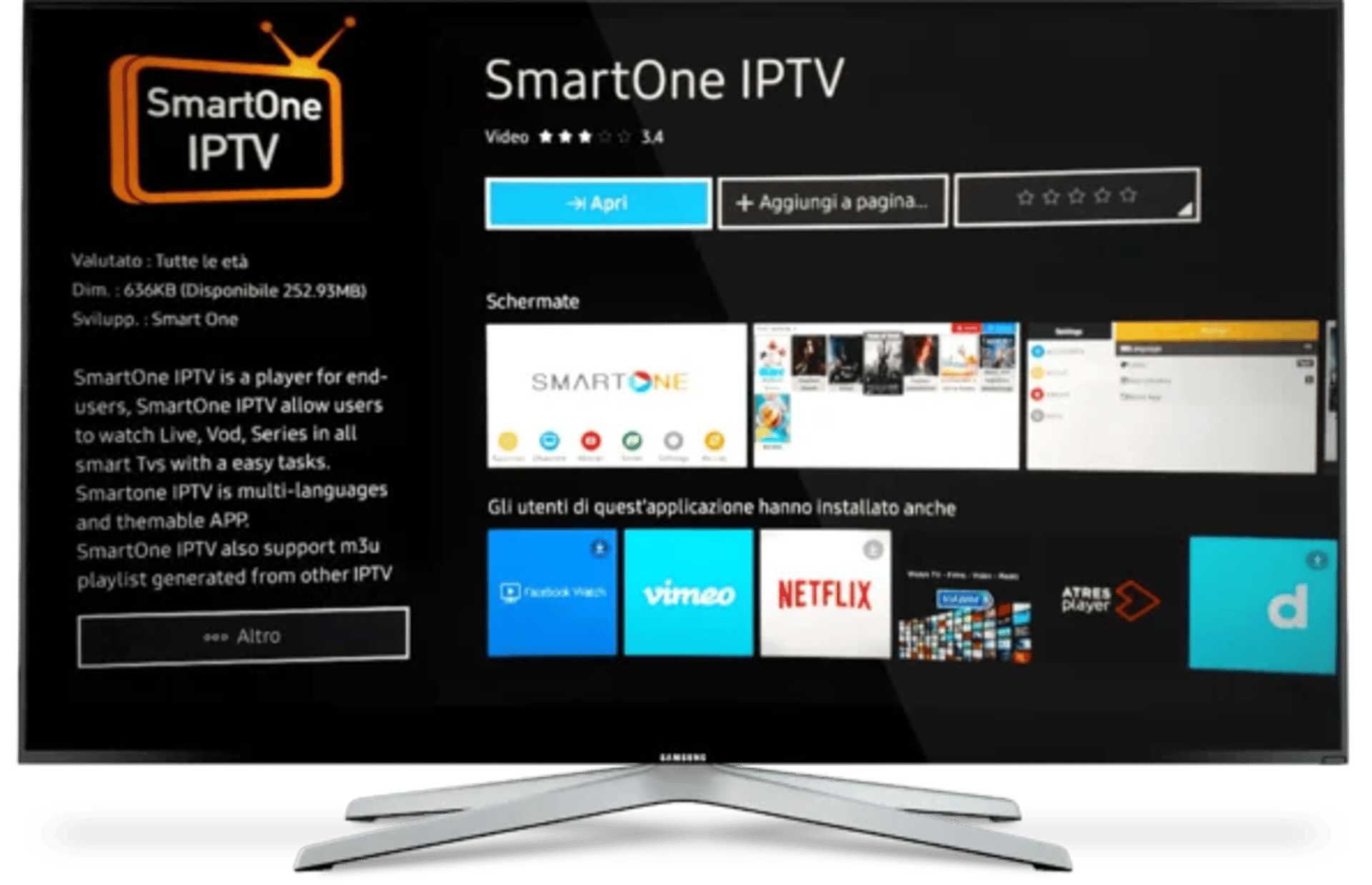
First, download the Smart One IPTV app directly from your Smart TV app store.
Compatible Devices
Samsung Smart TVs
LG Smart TVs
Android TV
Other compatible streaming devices
After installation, launch the application.
Step 2 – Note Your MAC Address
Once the app opens, you will see a unique MAC Address displayed on the screen.
Important:
Keep this MAC address safe because you will need it to activate your IPTV playlist.
Step 3 – Upload Your M3U Playlist
Now visit the Smart One IPTV playlist upload page.
What You Need
Your Smart One IPTV MAC Address
Your M3U Playlist URL
If you are using Vetrixtv, your IPTV subscription details and M3U URL are usually sent by email after activation.
Configuration Steps
Enter your MAC Address
Paste your M3U Playlist URL
Click on Generate
Restart the Smart One IPTV app
Your channels should now appear automatically.
Step 4 – Start Streaming
After restarting the app, you can enjoy:
Live TV
Sports channels
Movies
Series
International entertainment
With a premium IPTV service like Vetrixtv, streaming becomes faster, smoother, and more stable.
Using Smart IPTV
The setup process for Smart IPTV is very similar.
Basic Steps
Install Smart IPTV
Note the MAC Address
Upload your M3U Playlist
Restart the application
Once completed, your IPTV channels will load automatically.
Tips for Better IPTV Streaming Performance
Use High-Speed Internet
For stable streaming:
HD: 10 Mbps minimum
4K: 25 Mbps or higher
Prefer Ethernet Connection
Wired connections reduce buffering and improve stability.
Use a Reliable IPTV Provider
A high-quality IPTV provider like Vetrixtv ensures:
Stable servers
Fast streaming
Better uptime
Premium viewing quality
Keep Your IPTV App Updated
Updates improve:
Compatibility
Performance
Security
Playback stability
Final Thoughts
Smart One IPTV is an excellent application for watching live TV, sports, movies, and series on Smart TVs. Its simple setup process and powerful streaming features make it one of the best IPTV players available today.
For the best viewing experience, combining Smart One IPTV with a reliable provider like Vetrixtv ensures smooth HD and 4K streaming with minimal buffering and maximum entertainment quality.
VetrixTV
Cinematic fidelity. Zero-latency routing.
Quick links
Copyright(C) 2026 VetrixTV-Zero-latency routing for premium home theaters.
UNCOMPRESSED 4K BROADCASTING